An AI assistant is most useful when it can see your own numbers. Instead of building a report, you ask a question in plain words and get an answer from your spending, budgets and goals.
Updated November 12, 2026 · General information, not financial advice.
Questions worth asking
- How is my money looking this month?
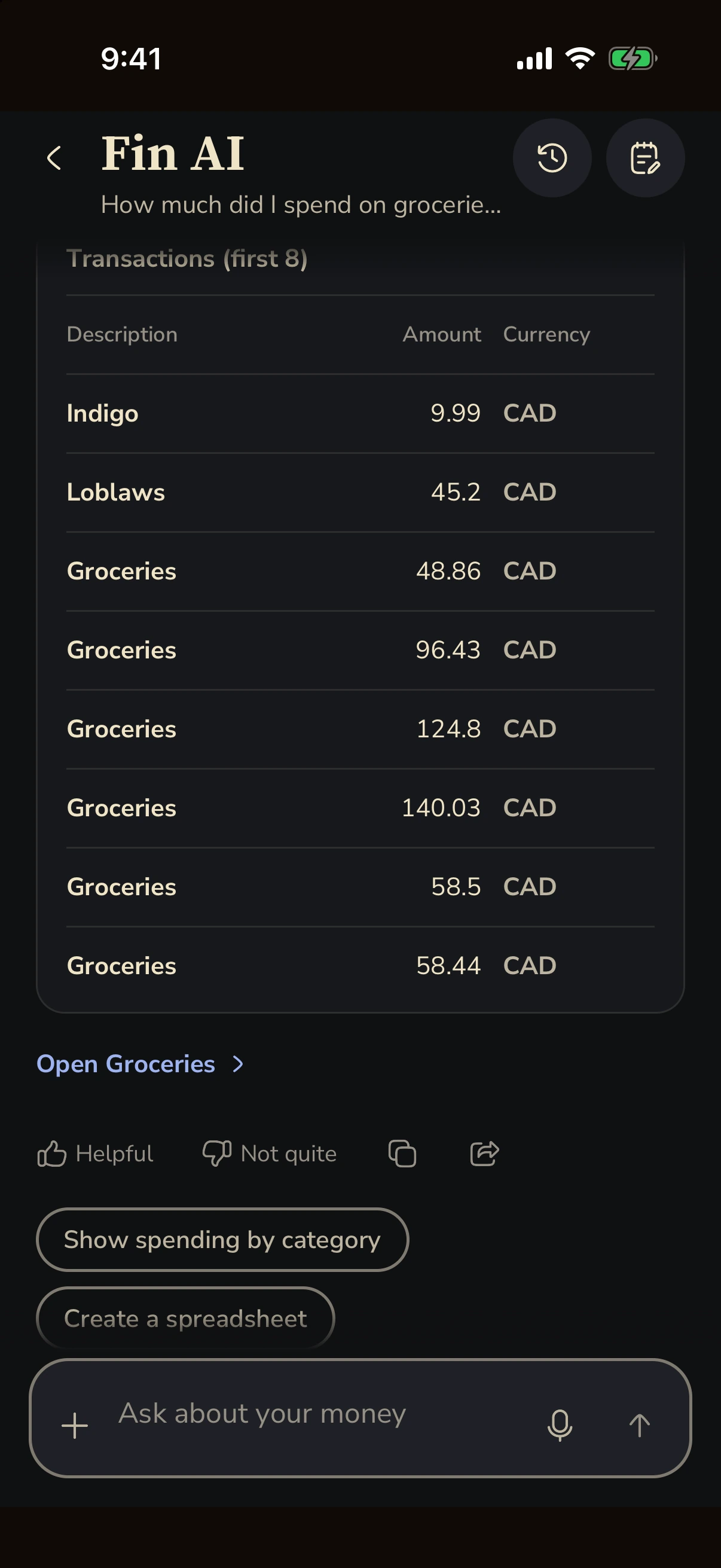
- How did my grocery spending compare with last month?
- How are my goals progressing?
- Where do our shared expenses stand?
- Which budget is closest to its limit?
Example answer · synthetic demo data
How are my goals progressing?
Your emergency fund is at CA$8,750 of CA$15,000, about 58%. Your Japan trip is at CA$3,250 of CA$8,000, about 41%. Check your monthly plans to see what's left to save.
How to get better answers
- Keep transactions categorized. An assistant can only compare groceries if purchases are filed as groceries.
- Name a time period. "This month" or "since October 1" gets a sharper answer than "lately".
- Give goals a target. Progress questions need a target amount to measure against.
- Record shared costs where they belong. Trip and flat expenses in a Split group keep balances accurate.
Check the answer before you act on it
AI answers can be wrong. Treat an answer as a starting point and confirm the numbers on the relevant screen, such as Budgets or Goals, before you make a decision. An assistant is not a financial adviser.
Your data and AI in Fin
Fin does not submit your content to train foundation models. You can manage AI learning and clear AI memory in Settings. Fin Plus adds more AI messages; open the app for current limits. The privacy policy has the details.
More guides

 Get for iPhone